
No products in the cart.
2%
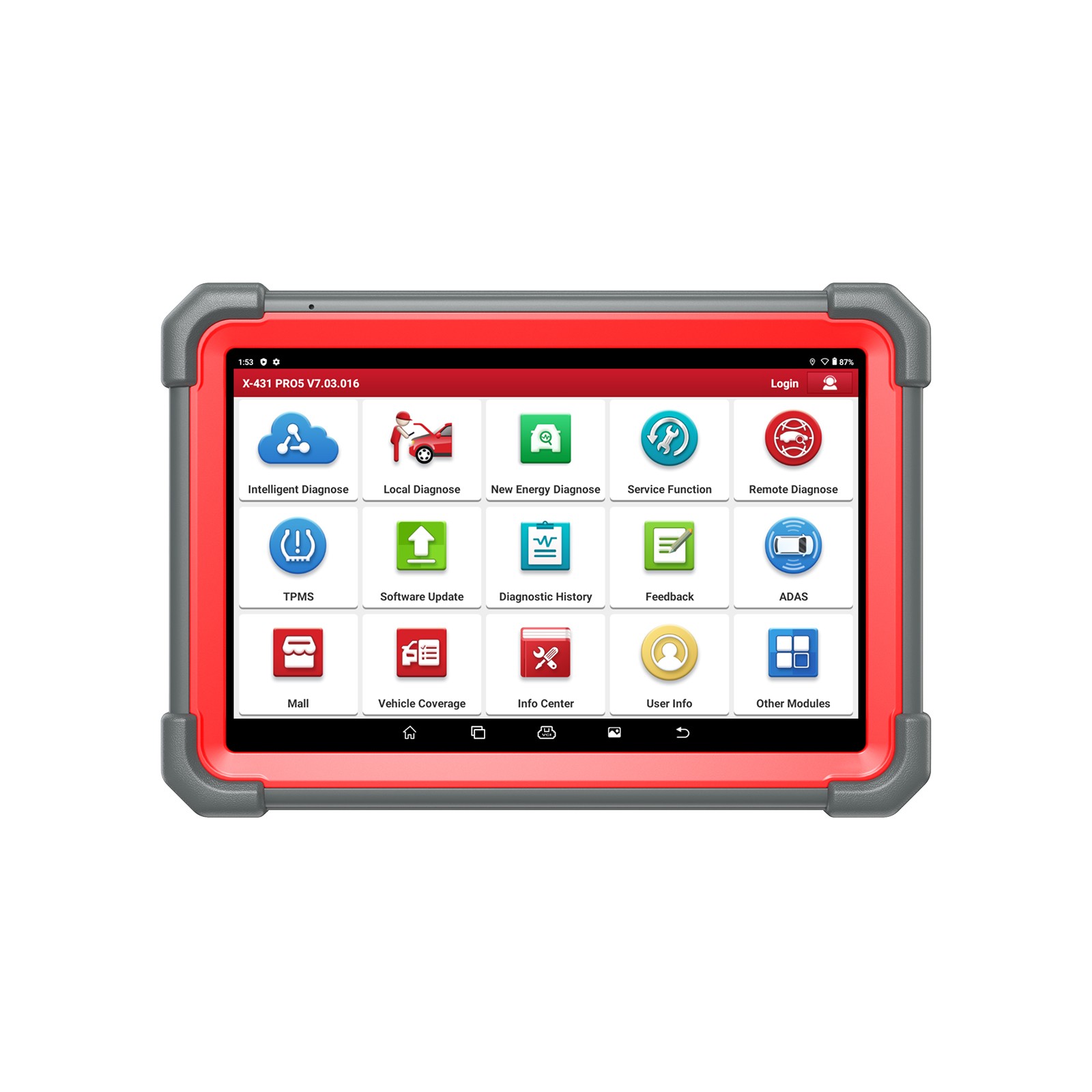
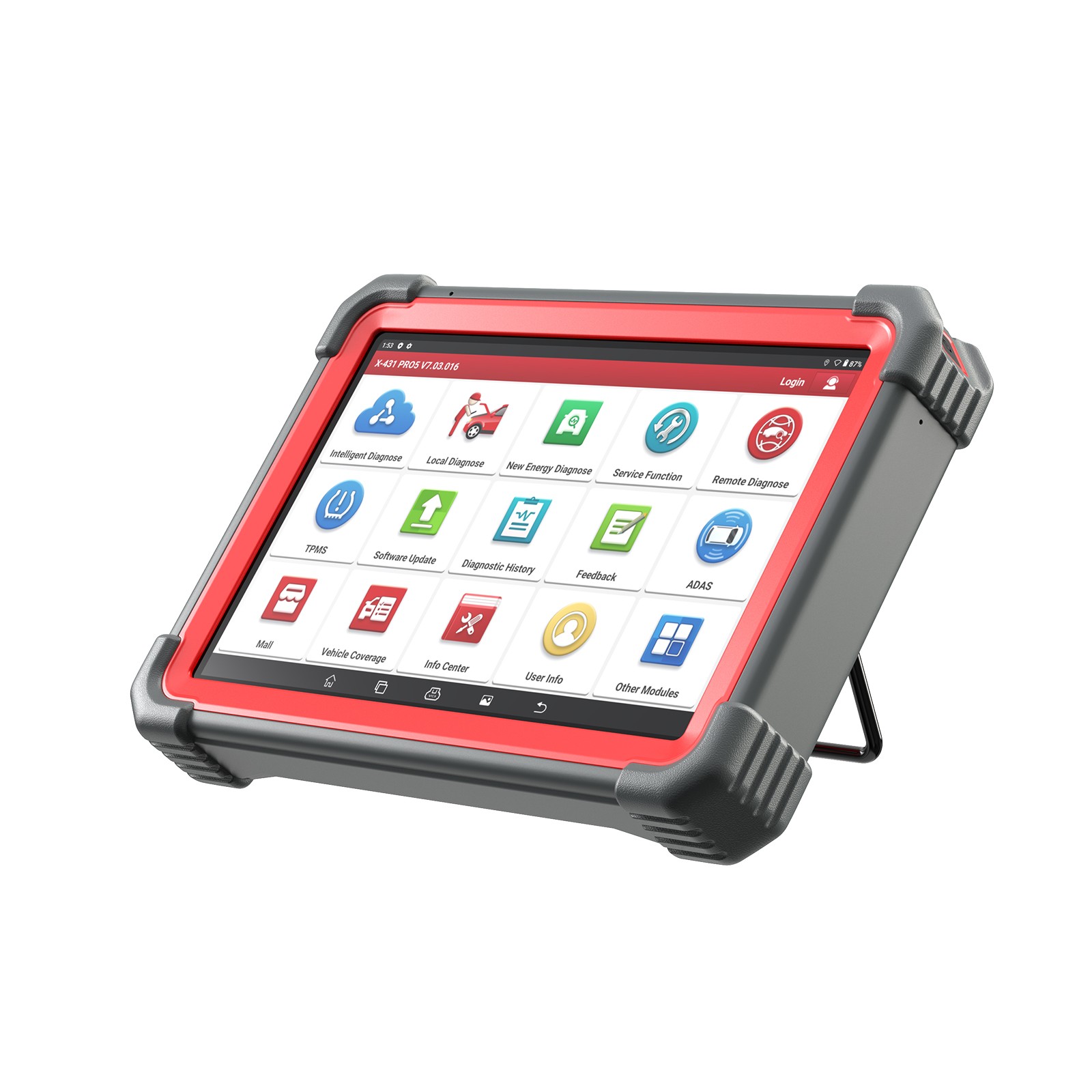
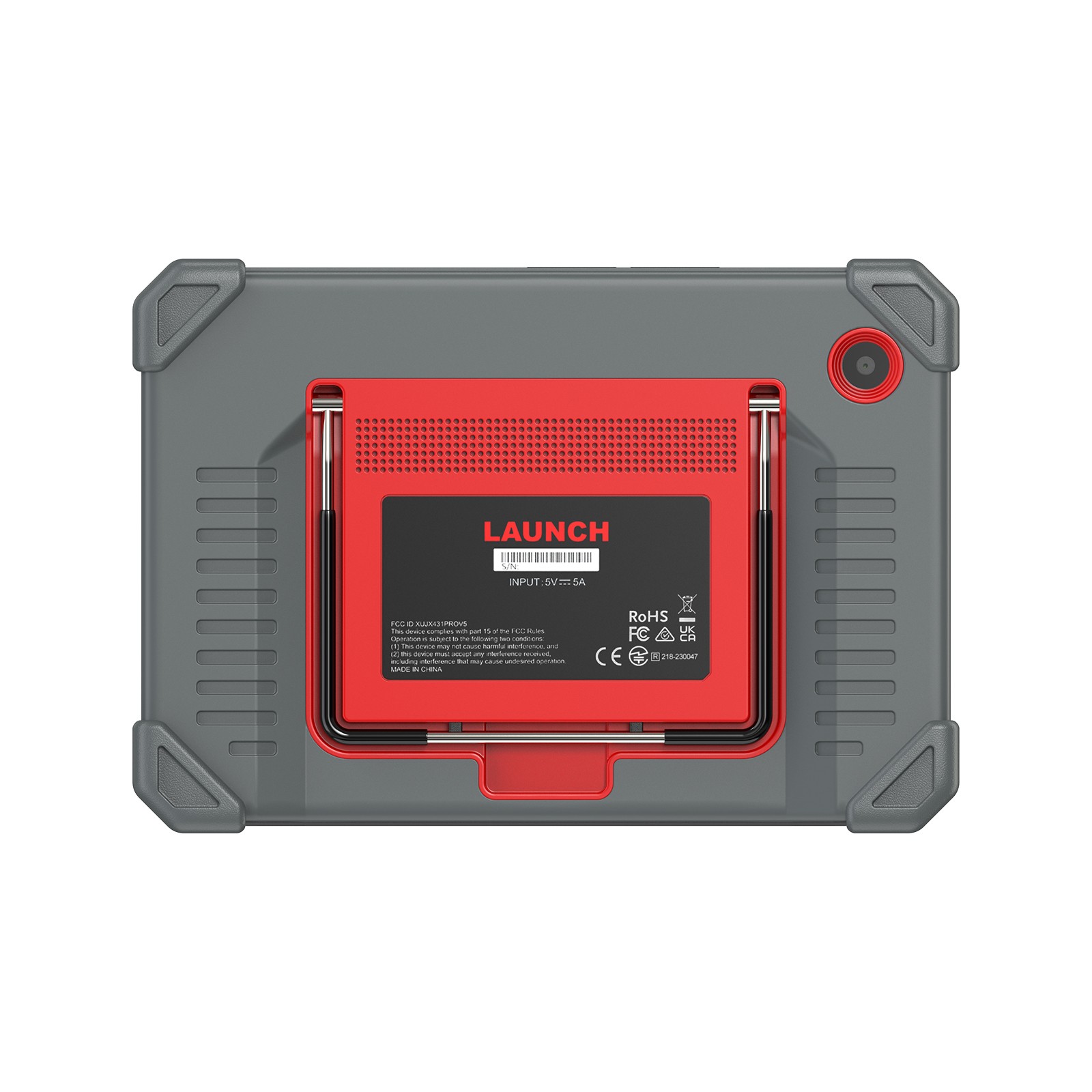
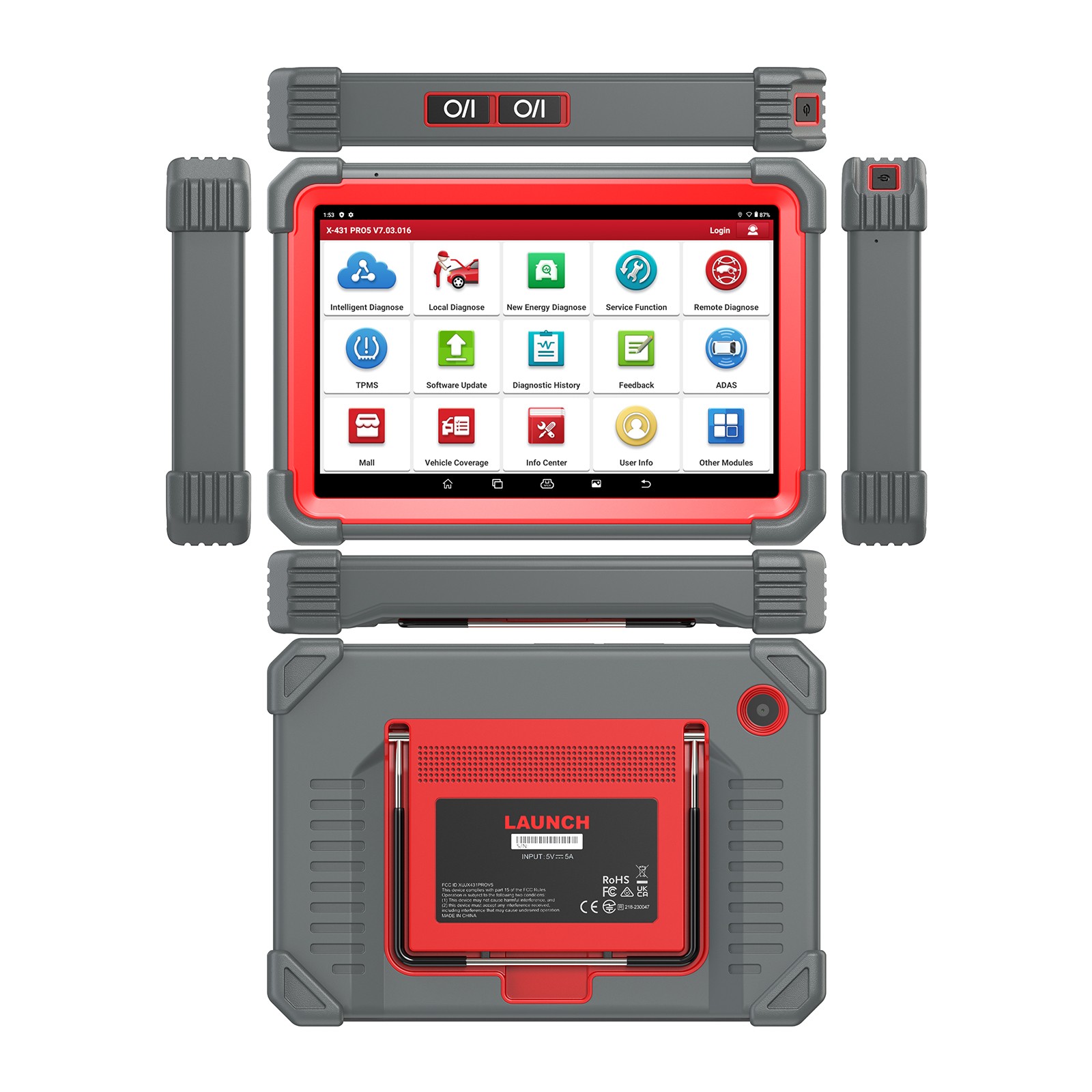
LAUNCH X431 PRO5 Smartlink Car Diagnostic Tools with Heavy Duty Truck Software License and Free Adapter Set for 12V & 24V Cars and Trucks
In Stock
Free Shipping
All products do not include import duties
In Stock
Free Shipping
All products do not include import duties
Description
LAUNCH X431 PRO5 Smartlink Car Diagnostic Tools with Heavy Duty Truck Software License and Free Adapter Set for 12V & 24V Cars and Trucks
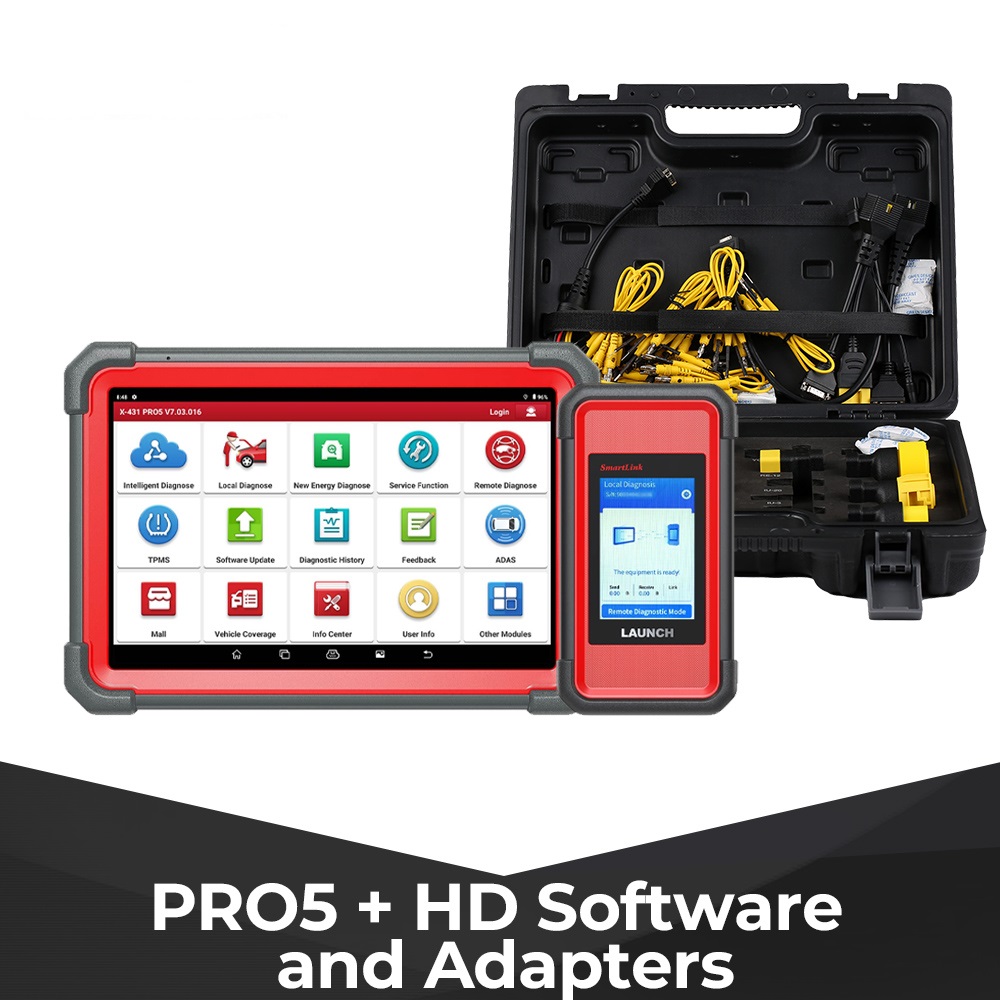
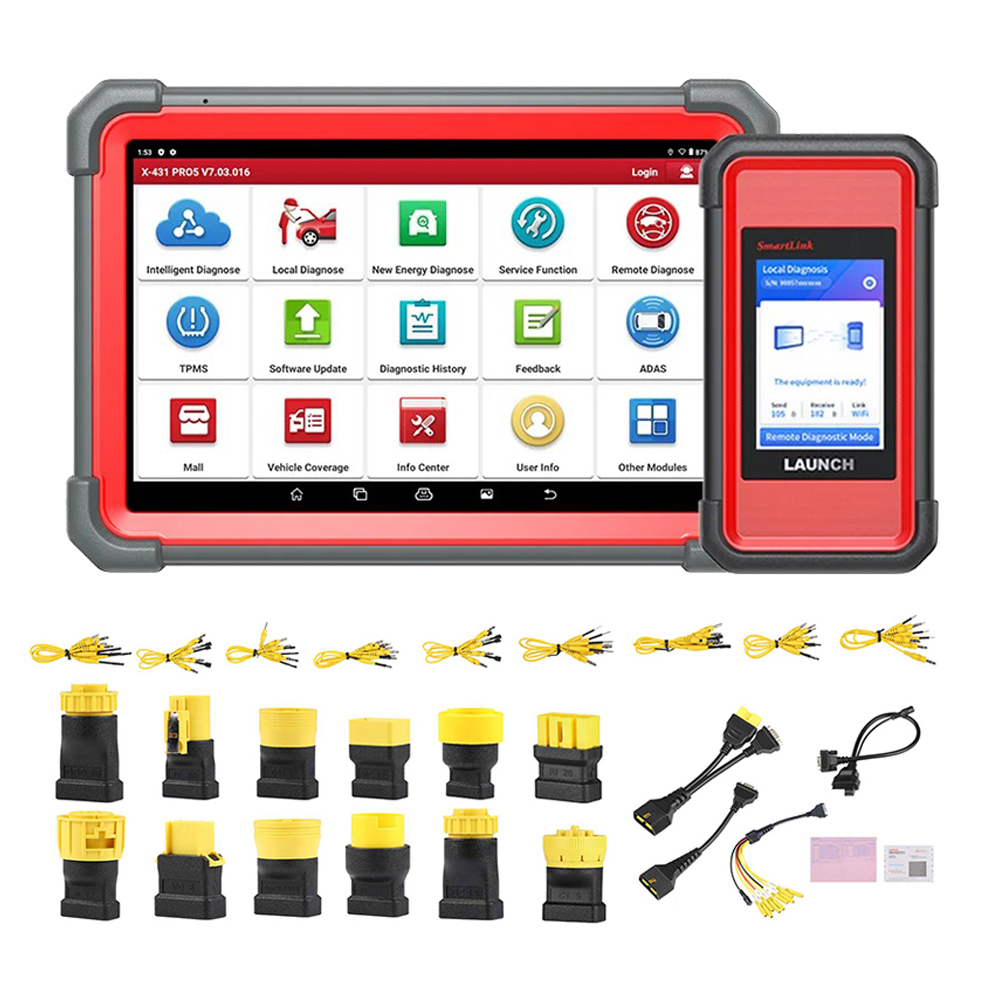
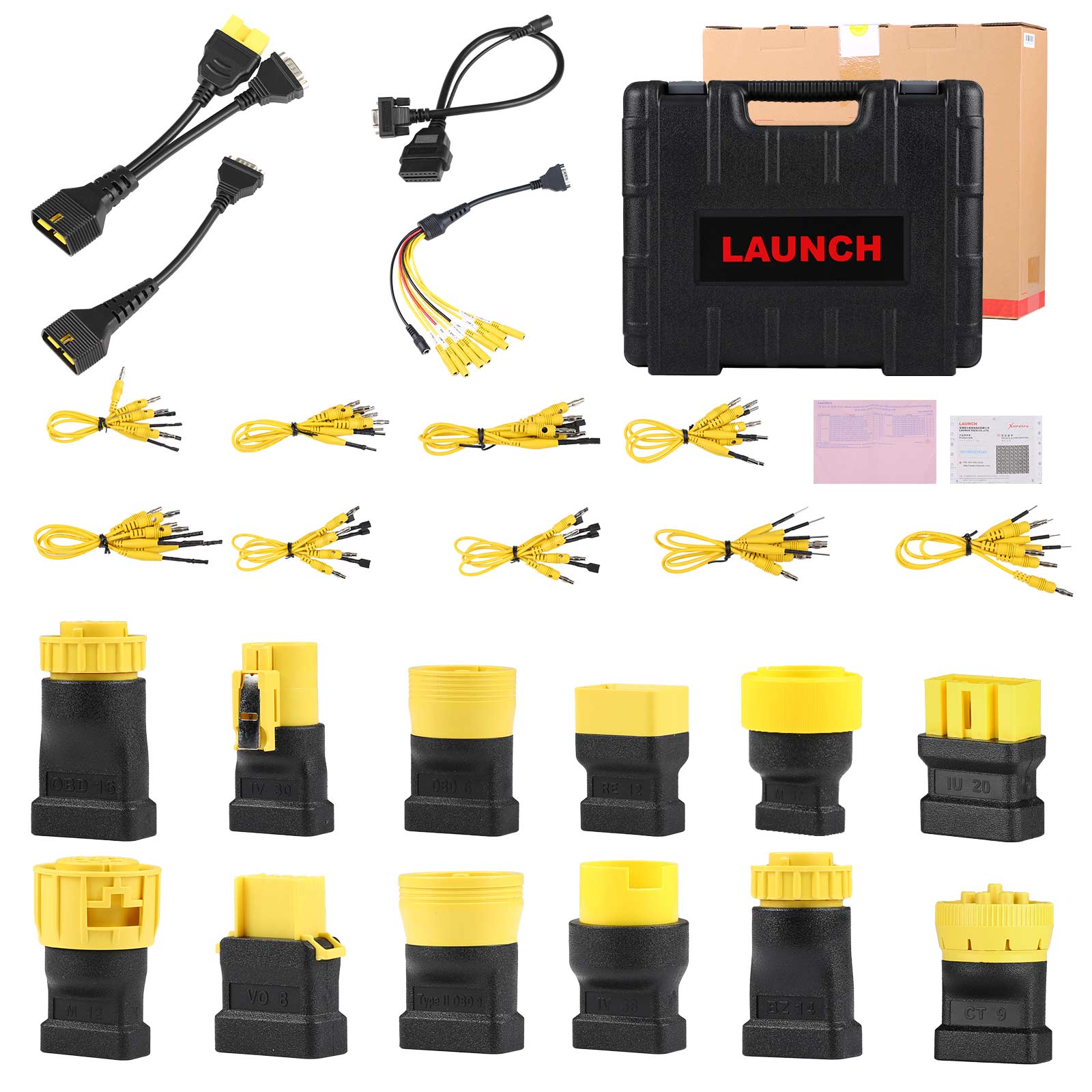
Package including full set of Launch X431 PRO5 Smartlink and Full Set of Heavy Duty Truck Software License and Free Adapter Set
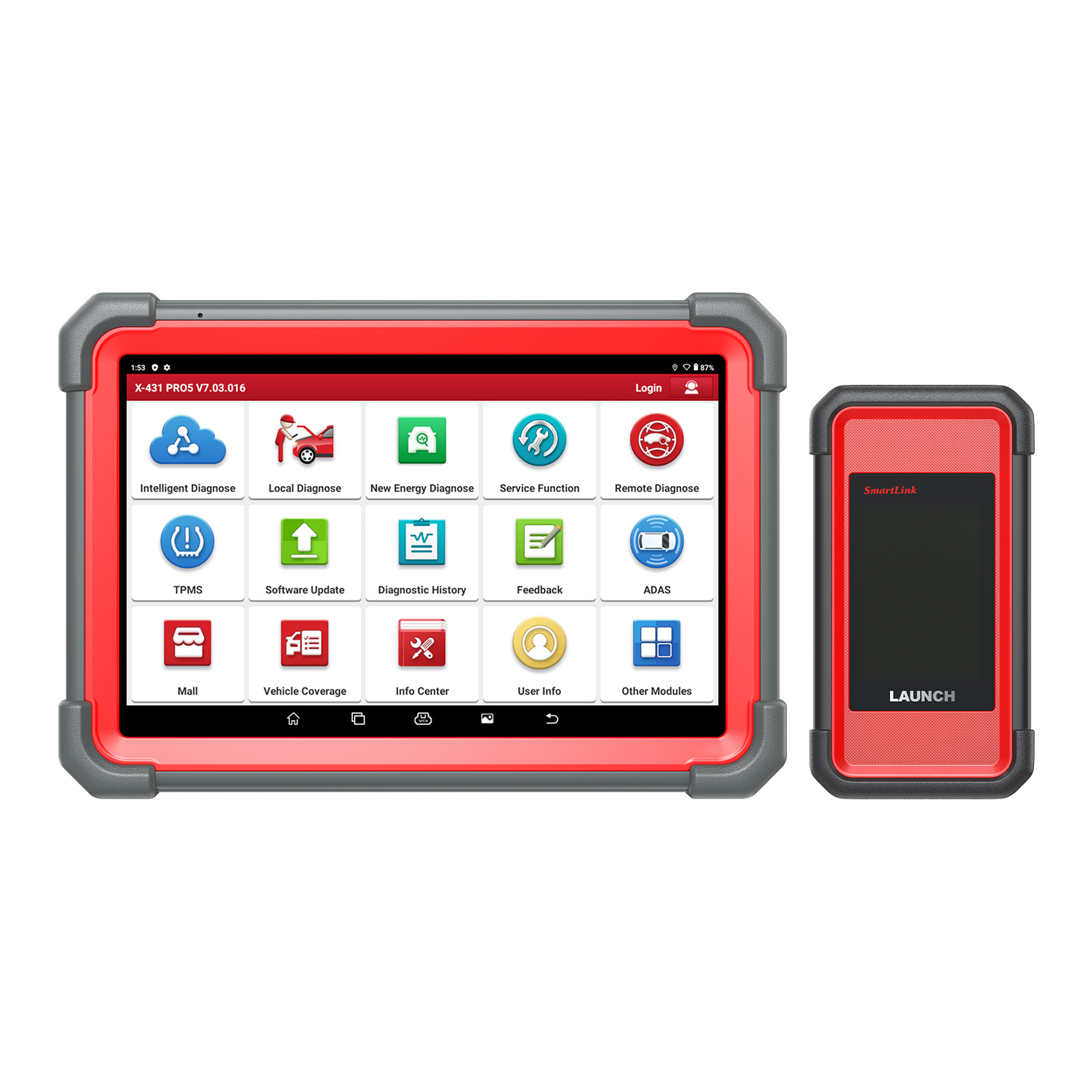
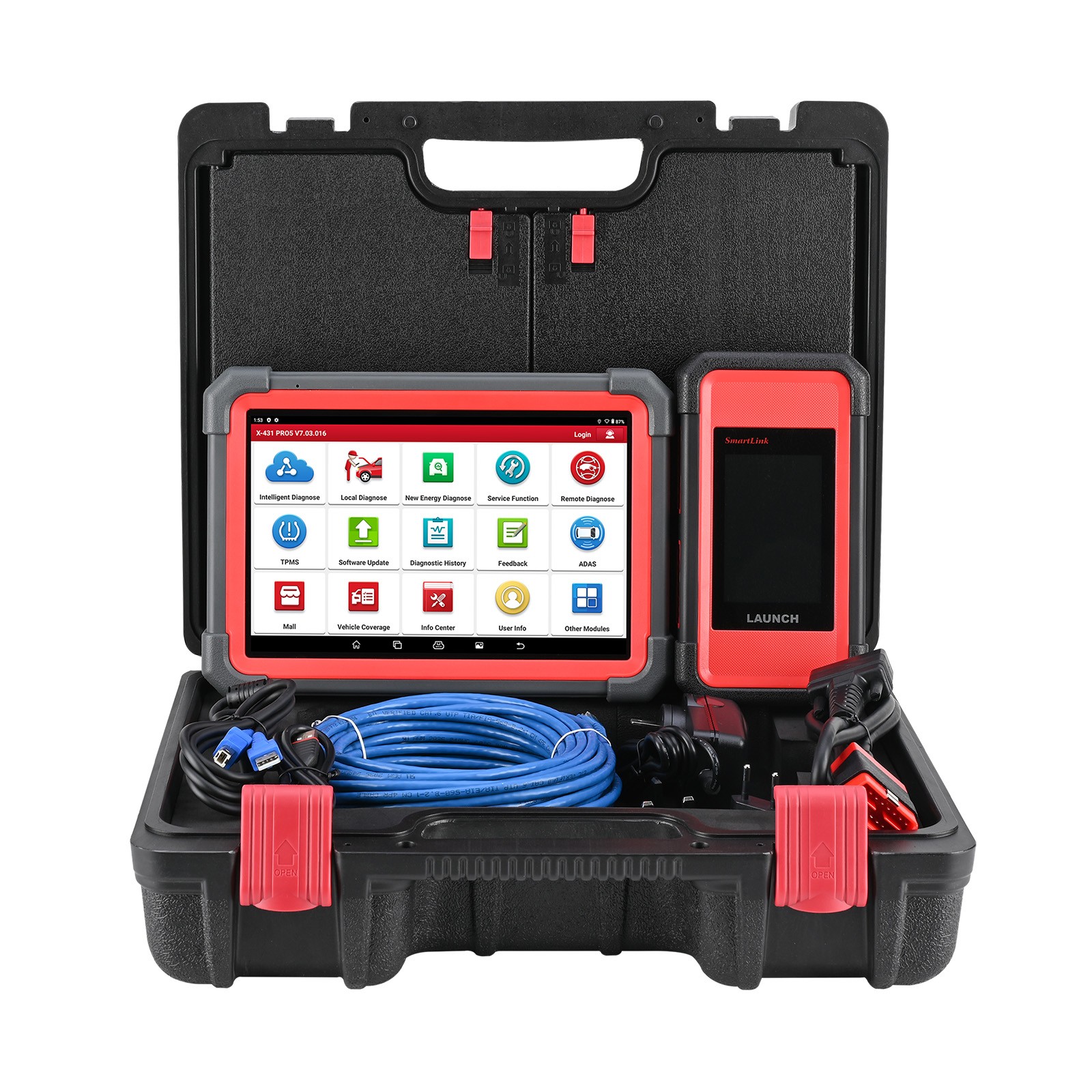
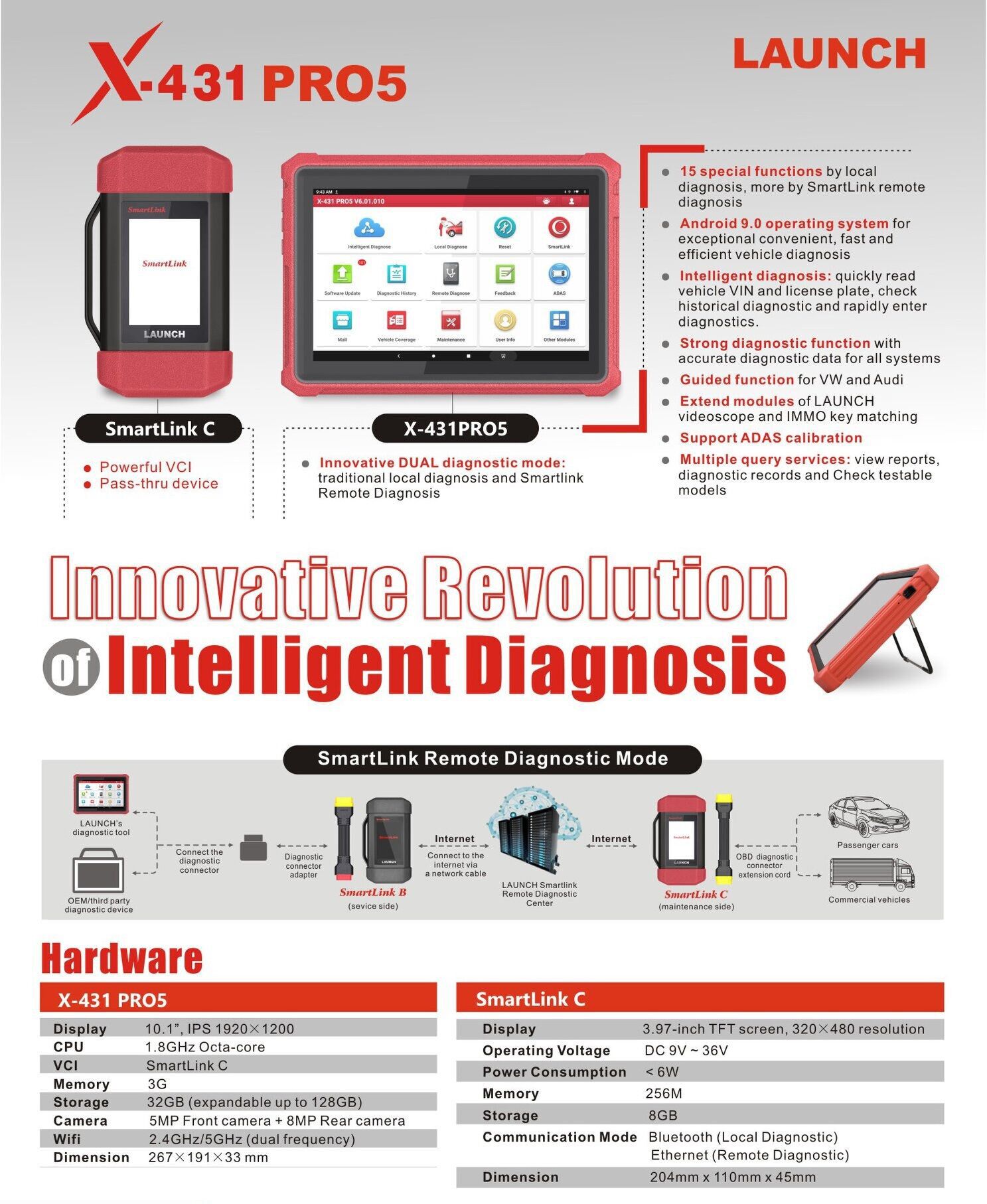
Launch X-431 PRO5 Smartlink opens the area of innovative dual diagnostic modes (local diagnosis and SmartLink remote diagnosis). The hardware of X-431 PRO5 Smartlink is greatly improved. It adopts the Android 10.0 system, a 2.0GHz 4-core processor and a 1280*800 IPS HD display screen, providing 4GB RAM memory and 64GB ROM storage which ensures faster and more stable running. X431 PRO5 Smartlink also comes with a bracket, making it more convenient to use.
Note:
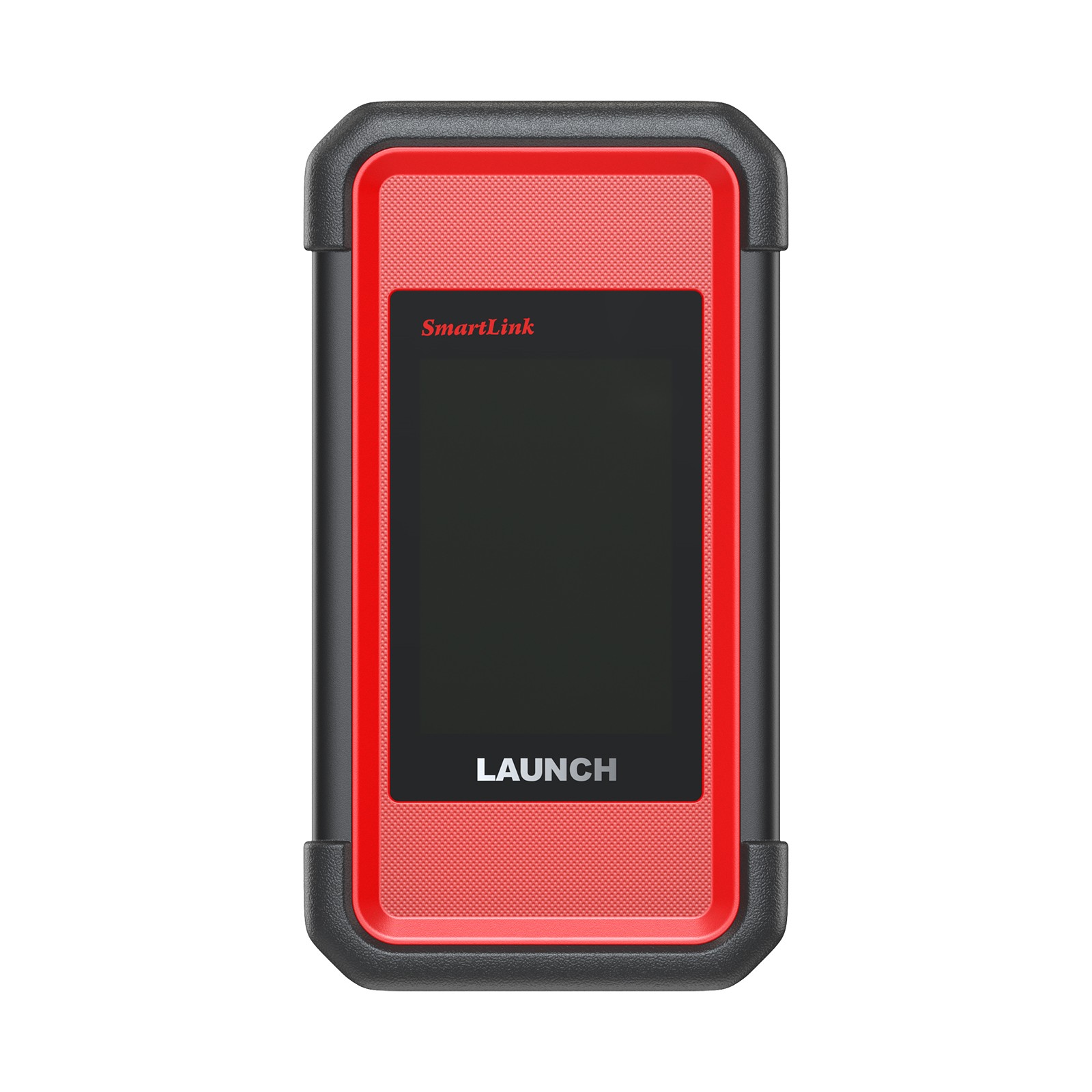
– The new version of PRO5 replaces the VCI from Smartbox 3.0 with Smartlink 2.0 ( new vci same as PAD VII). Super-remote service support is available (requires additional purchase of remote service).
LAUNCH X431 PRO5 Smartlink Highlights:
Powerful Software:
1. Global Version, No IP Limitation. EU/UK version please click here>>>.
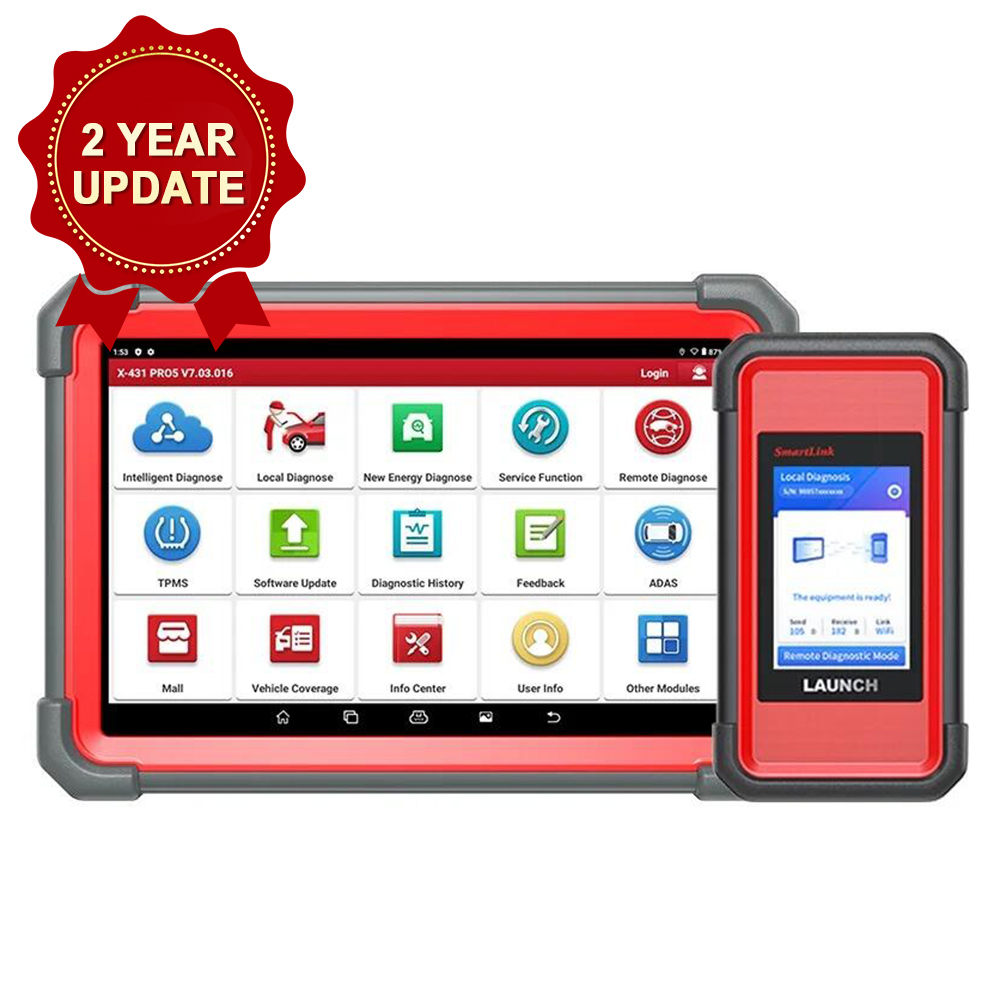
2. With 2 Years Free Update Online. After 2 years, the update cost is 399 USD for 2 years. 350 USD for 1 year. Upgraded from LAUNCH X431 V+/PRO3/PROS V1.0/TURBO/Throttle.
3. ECU online programming: Launch X431 PRO5 Smartlink Supports Online Programming for BMW & Benz. (Can’t perform in United States, Canada, Mexico, Portugal, Spain)
NOTE: The online programming function has been temporarily deactivated for the U.S. region, and the shutdown will be implemented starting April 1, 2025 for diagnostic equipment in the U.S. market. (The United States, Canada, and Mexico do not support). EU/UK (Portugal, Spain do not support), other countries are still normal at this time.
How to Activate Programming Methods Online? >>>>>>>>>
4. Send Commands with Bi-directional Controls: Effectively test car components on demand.
5. Newly Adds!! VAG Guided Function: Skip the routine procedure of entering the security access code & channel number for VW, Audi, Skoda, Seat vehicles.
6. Topology Mapping: It provides a comprehensive view of a vehicle’s data bus configurations, improving repair efficiency by up to 90%. With just one click, you can gain insights into the layout of a vehicle’s system and clear any troubles. Compatibility with your vehicle’s brand should be verified by checking the VIN before purchasing.
7. FCA AutoAuth Access: Bypass SGM in FCA vehicles seamlessly and within seconds; works on 2017 and later Chrysler, Dodge, Jeep, Alfa Romeo, Fiat, etc. *Need AutoAuth subscriptions.
8. Multi-Language: English, French, Spanish, Portuguese, Italian, Russian, German, Polish, Dutch, Danish, Greek, Persian , Finnish, Swedish, Chinese, Japanese, Korean
9. With LAUNCH X431 Smartlink 2.0 J2534: Fix the most vehicles’ problems with broad vehicle coverage; meet SAE standards for J2534-1 & -2, CANFD, DOIP and support DC9-36V for HD Vehicles;
10. Multiple Query Services: View reports, diagnostic records and Check testable models
11. Advanced Intelligent Diagnostics: AutoVIN & AutoScan accelerates all-systems DTC scans that clock in at an average of < 3 minutes.
12. NEW ! Supports ID48 96bit cloning with X431 key programmer, super chip and tokens (check how to purchase tokens)
Enhanced Hardware Configuration:
— Supports WiFi wireless/USB/Bluetooth connection (new tablet comes with Type C port, does not need OTG converter)
— Newly Adds!! Android 10.0 hardware, 4GB/64GB.
— Newly Adds!! X431 Smartlink 2.0 Super-remote service support is available (requires additional purchase of remote service).
— Great Combination: Android 10.0, 2.0GHz 4-core processor, 4GB RAM & 64GB ROM (Memory can not be expanded), 10.1” HD 1280*800 touchscreen, 5MP(Front), 8MP(Rear) camera, 7000 mAh battery, etc.
New Pro5 Smartlink vs Old Pro5:
– Launch X431 Pro5 Old Version do not include OBD1 Kit (Non-16pin adaptor cable kit).
– Launch X431 New Version comes with SmartLink 2.0, while Old Version come with Smartbox 3.0.
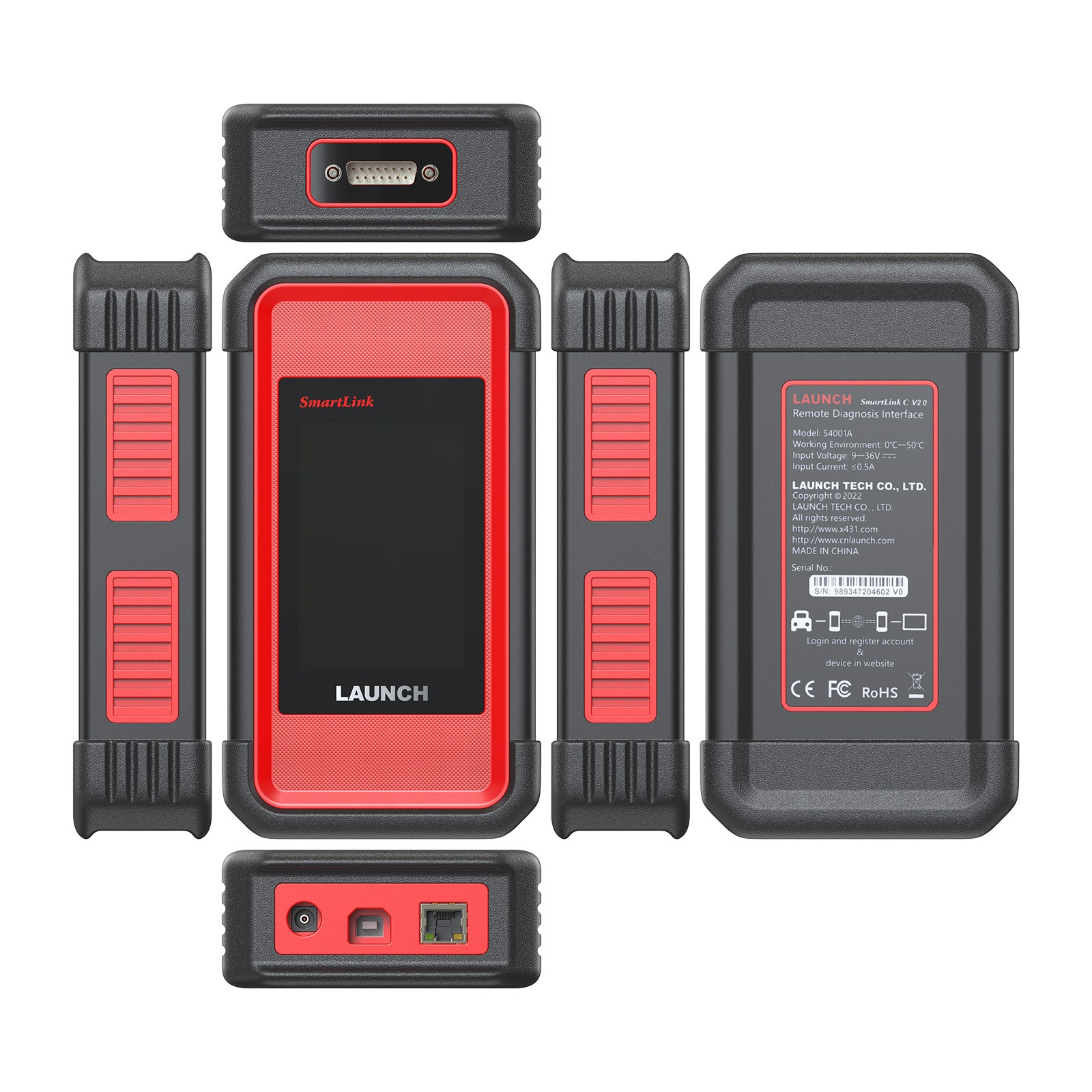
– New Pro5 comes with Smartlink C 2.0 pass-thru VCI which supports dual diagnosis mode: local diagnosis and super remote diagnosis. Smartbox 3.0 only local diagnosis. (Please check comparison table here)
– New Pro5 tablet (red) has a Type C to USB port. It does not need an OTG converter. The old Pro5 smartbox does require an OTG converter when connecting with X431 key programmer/i-TPMS.

LAUNCH X431 PRO5 Smartlink Support Extension Modules:
(So that you can perform more comprehensive vehicle inspections with LAUNCH X431 PRO5, NEED TO PURCHASE EXTRA)
| Extension Modules | Support or Not | |
| 1 | X431 Heavy Truck Module License+adapters (B Box) | YES, this kit comes with this. |
| 2 | ADAS Activation Card (Before expand X431 ADAS Moblie/ ADAS PRO feature, please activate this first) | YES |
| 3 | XPROG-3 GIII Key Matching + IMMO license (IMMO functions just like IMMO plus) | YES |
| 4 | Key programmer | YES |
| 5 | LAUNCH PC Adapter | YES |
| 6 | LAUNCH Motorcycle Diagnostic Connector Kit | YES |
| 7 | LAUNCH X431 EV Diagnostic Upgrade Kit + Activation Card | YES |
| 8 | X431 TSGUN or Launch X431 i-TPMS (Activate all sensors, tpms relearn, program only Launch Sensors) | YES |
| 9 | BST360 battery tester (Test Your Battery with Accuracy and Simplicity) | YES |
| 10 | VSP600 Videoscope | YES |
| 11 | LAUNCH X431 O2-2 Oscilloscope Scopebox | YES |
| 12 | LAUNCH X-431 Sensorbox S2-2 | YES |
| 13 | LAUNCH Non-16 Pin Adaptor Kit | YES |
HD Protocol with Powerful Smartlink 2.0: Easy to Manage Wider Vehicles
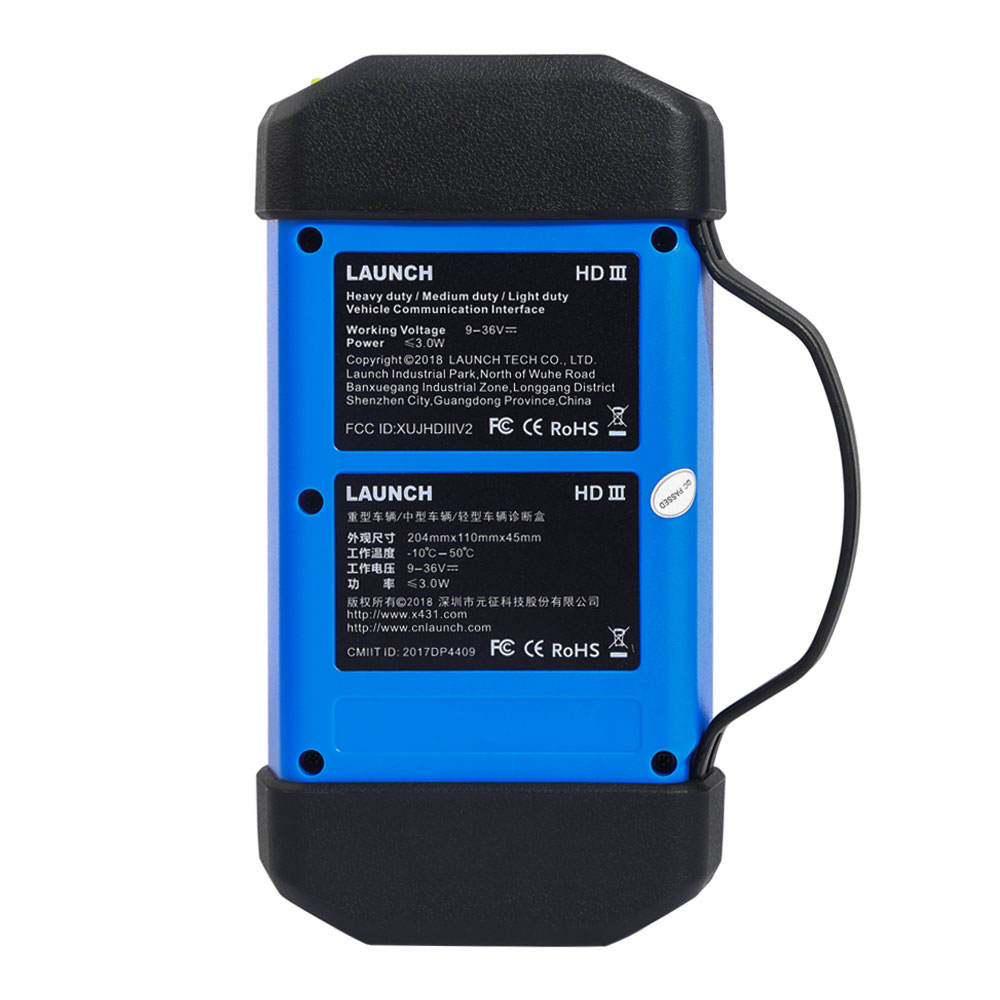
LAUNCH X431 PRO 5 Smartlink 2.0 not only compatible with J2534/DOIP/CANFD protocols and serves as a wireless VCI allowing the vehicle to transmit data to the diagnostic tablet. It also support DC 9-36V for commercial vehicle’s diagnostics (Need extra purchase of HD software in Mall menu and buy non-16pin adapters, message to sales@x431tool.com if you want to know anything about the HD software. )
Introducing Smartlink 2.0 The optimization to the LAUNCH X431 scan tool’s software communication with the vehicles of today and of the future, dramatically
improves scanning, coding, and reprogramming performance.
* Serve as J2534-Compliant VCI – Support J2534 protocol, compatible with Toyota, Honda, Volvo, VW, GM, Chrysler, Benz, Jaguar, Land Rover; offering cost-effective access to data and OE programming downloads from vehicle manufacturers.
* Serve as the VCI Box for Wireless Diagnostics – Transmit vehicle data to the diagnostic tablet without a physical connection.
* Compatible with new communication protocols of CANFD (compatible with some GM car models), and DOIP (compatible with BMW E/ F/ G Chassis, Jaguar, Land Rover), and support DC9-36V for HD Vehicles (need the extra purchase of HD software, non-16pin HD adaptors)
How to Use Smartlink 2.0 (Update version of SmartBox 3.0) as a J2534 Tool?
1) Download the OEM software in Automakers’ Service Webs to your computer. You can reach us to get web sites.
2) Connect the Smartlink 2.0 to your computer with the included USB cable, or via the stable and solid 5G Wi-Fi network.
3) Connect the Smartlink 2.0 to your vehicle’ s DLC port with/without the included extended OBDII cable.
4) Download and install the drivers for Smartlink 2.0 at the LAUNCH official site.
5) Run “Smartlink 2.0” and there you go.
Please click here view more about LAUNCH X431 PRO 5>>>>>>>>>>>>>>>>>>>>>
Buy LAUNCH X431 PAD V/ PAD V Elite, PAD VII/ PAD VII Elite, PRO5 Smartlink, PRO3 V+ Elite/ PRO3S+ Elite Heavy Duty Truck Software License Get Free Adapters Set
– LAUNCH X431 PAD V/ PAD V Elite, PAD VII/ PAD VII Elite, PRO5 Smartlink, PRO3 V+ Elite/ PRO3S+ Elite not only do gasoline cars but also diesel heavy-duty trucks.
– Buy License Get Free Adapter Set.
– With this kit, LAUNCH X431 PAD V/ PAD V Elite, PAD VII/ PAD VII Elite, X431 PRO5 Smartlink, PRO3 V+ Elite/ PRO3S+ Elite not only for 12V gasoline cars but also support 24V diesel heavy-duty trucks.
Features:
1. LAUNCH X431 PAD V/ PAD V Elite, PAD VII/ PAD VII Elite, PRO5 Smartlink, PRO3 V+ Elite/ PRO3S+ Elite not only supports gasoline cars but also diesel heavy-duty trucks. Heavy duty license needs to be purchased separately.
2. Buy a License and Get a Free Adapter Set
3. Optional heavy-duty truck software license and adapters for LAUNCH X431 PAD V/ PAD V Elite, PAD VII/ PAD VII Elite, PRO5 Smartlink, PRO3 V+ Elite/ PRO3S+ Elite
4. After 1 year, you can choose here to get the Renewal Service (529 USD/ 1 YEAR) to renew the hd softwares.
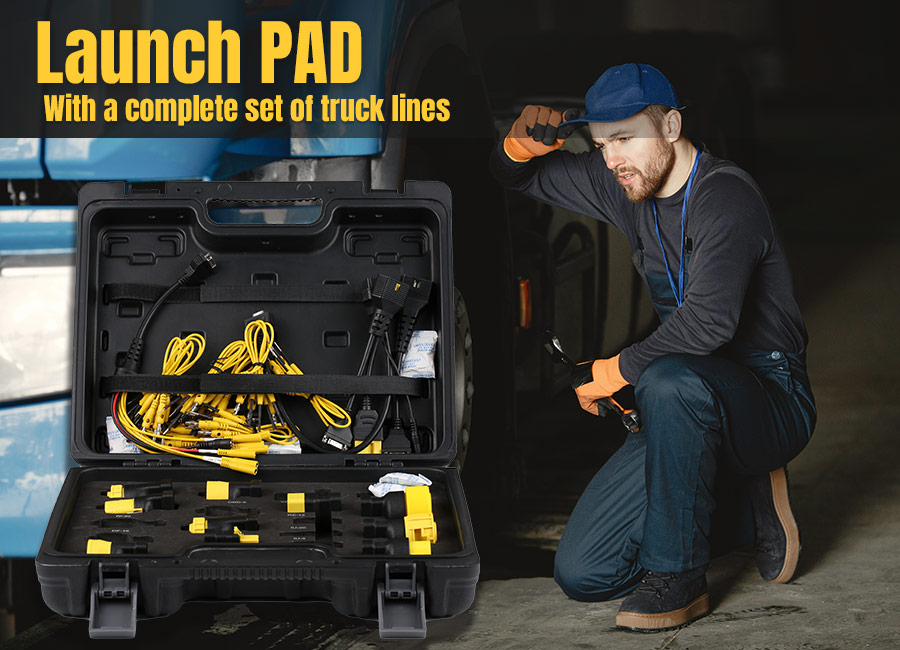
HOW TO ACTIVATE HEAVY DUTY LICENSE?
For the App version above the V8, here is the steps:
1. Go to the ” MALL”
2. Choose ” Use Renewal Card”
3. Click ”Activation/Renewal of Commercial Vehicle Software – HD Software Package”
4. Click ”Suscription Renewal Card Pay”
5. Please enter the activation code from the 24-digit password letter. Enter it from left to right, top to bottom.
6. After the device displays “Paid successfully,” please proceed to ”Software Update” and download the HD software.
What You Will Get?
1. 1 Year Heavy Duty Truck Software License (Online activation)
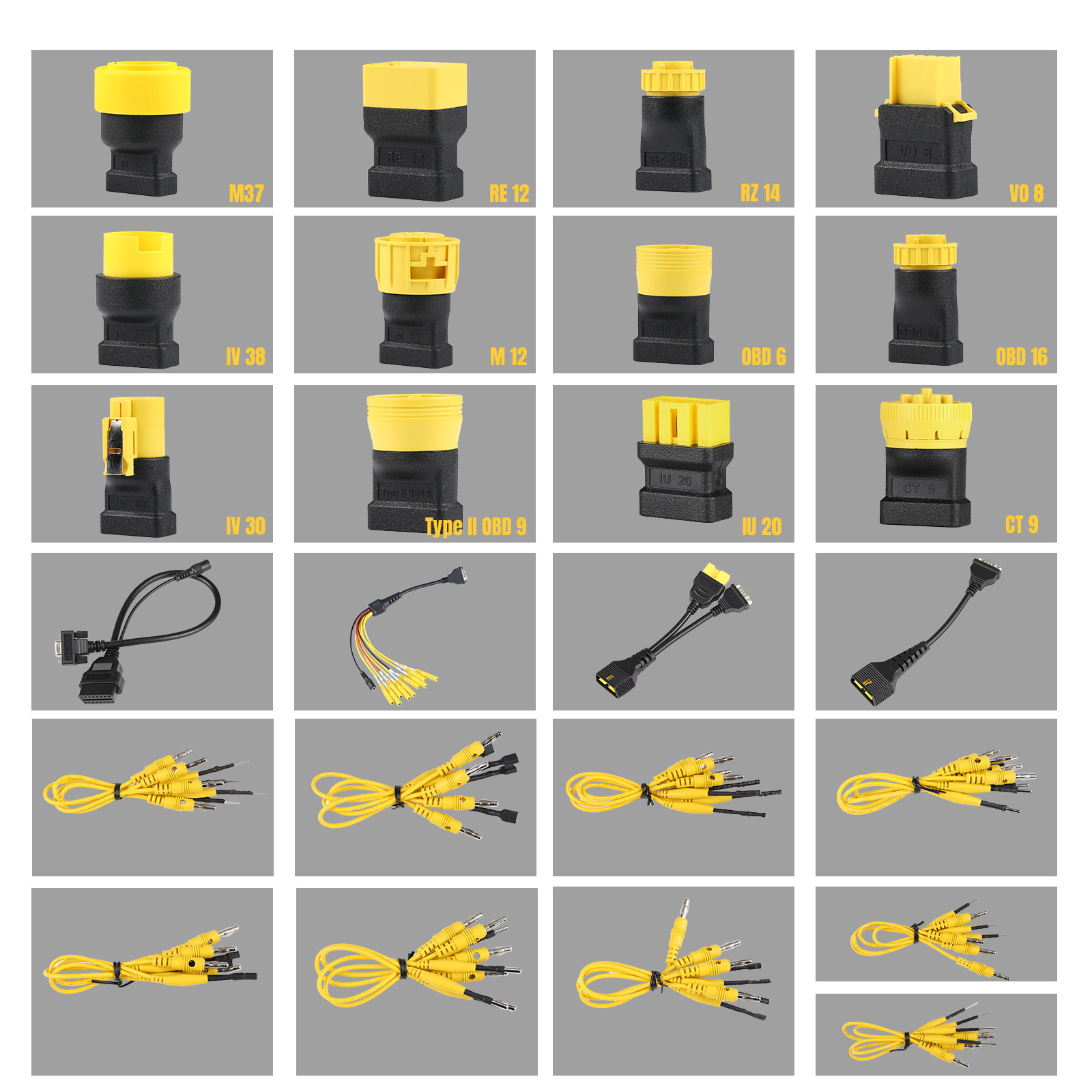
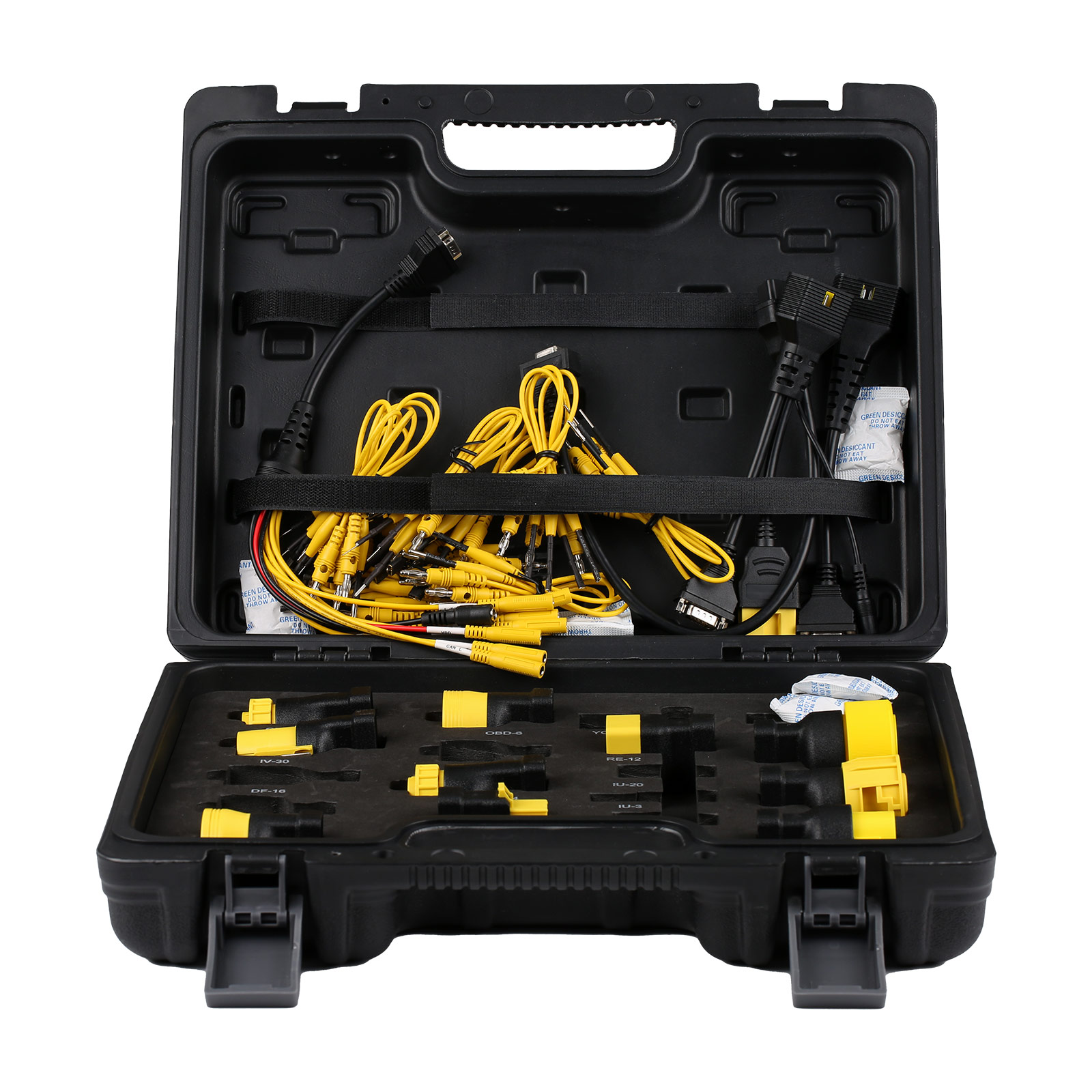
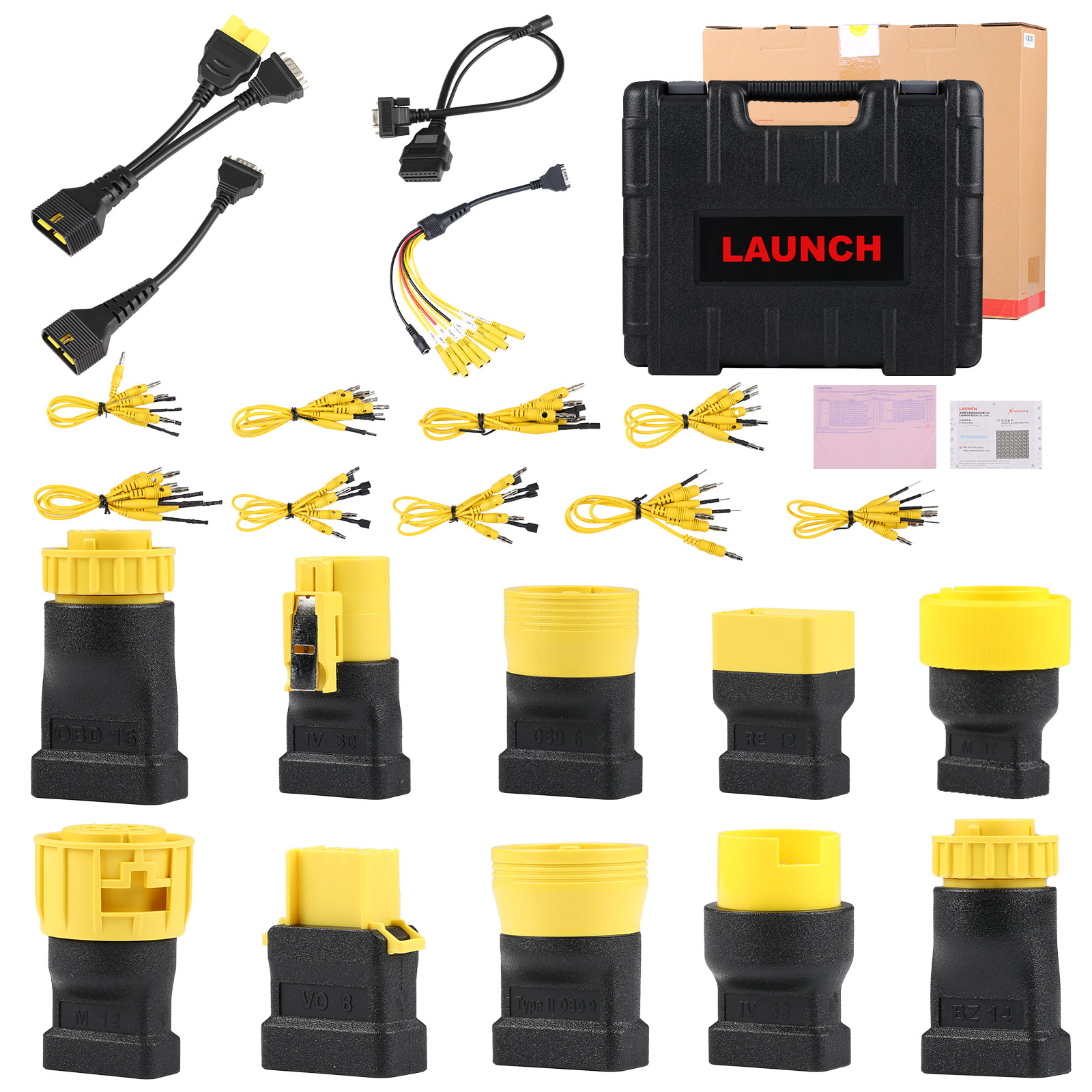
2. 1 set adapter for Heavy Duty Trucks
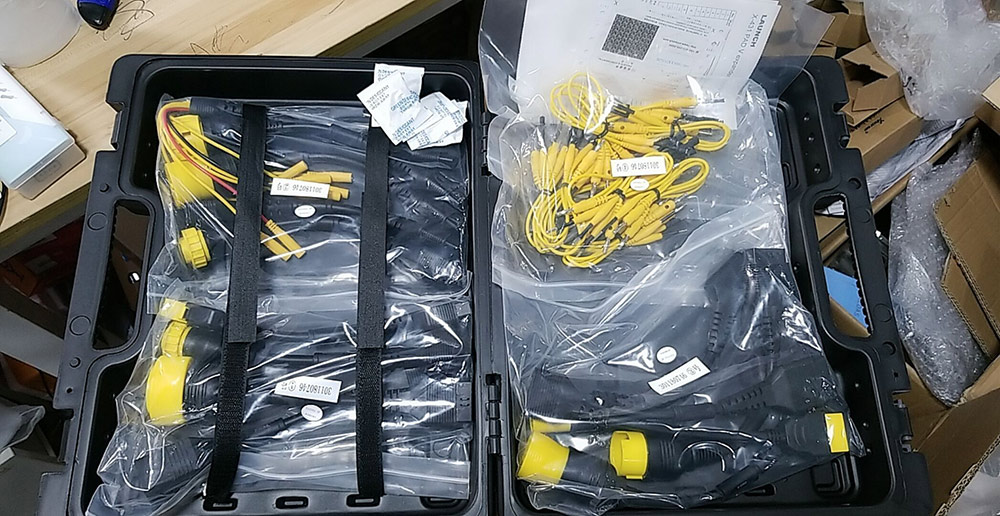
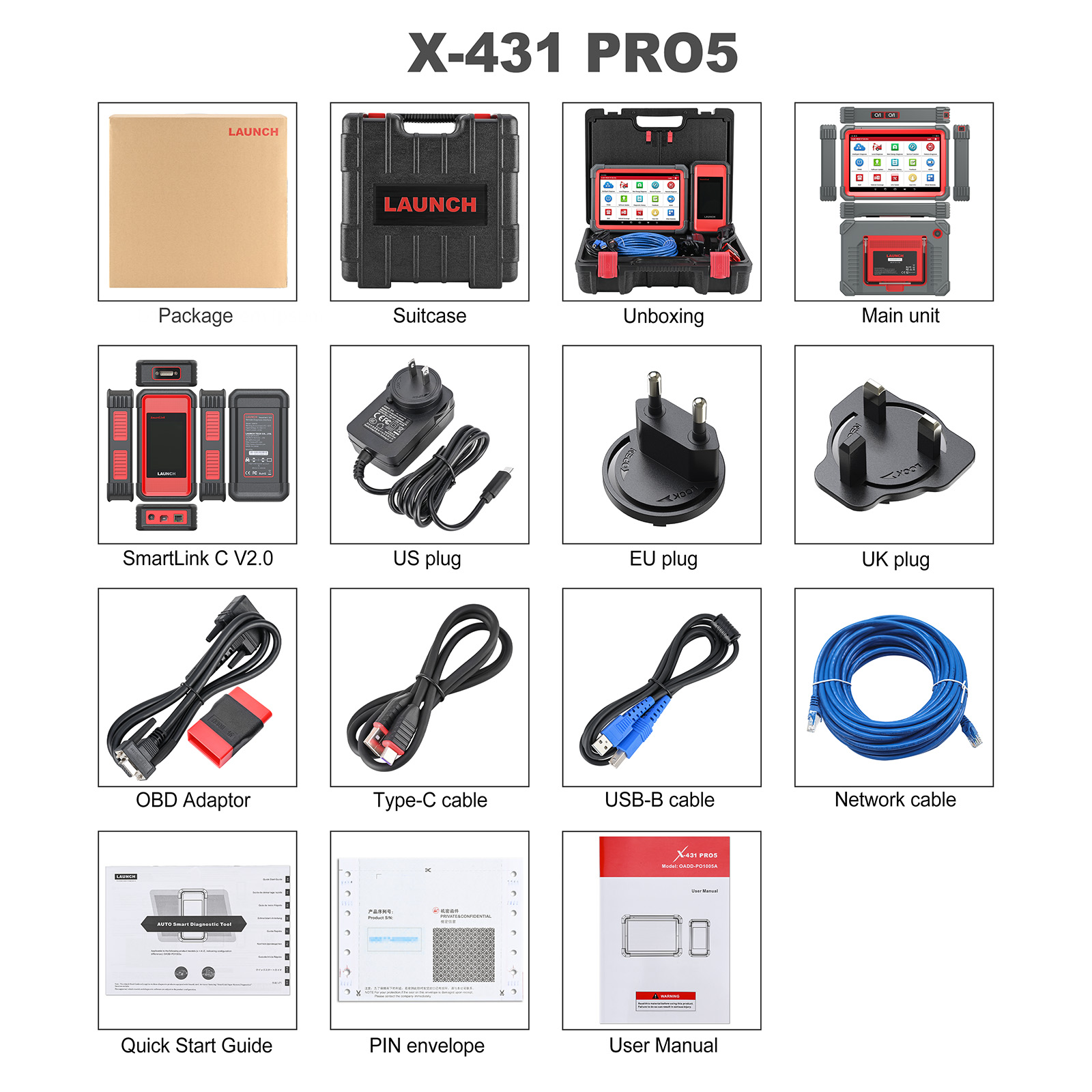
Package Includes:
1pc x Full kit of X431 PRO5 Smartlink
1pc x Full kit Complete Set of Heavy Duty Truck Software License + Free Adapters Set
Additional information
| Weight | 18 kg |
|---|
Related products
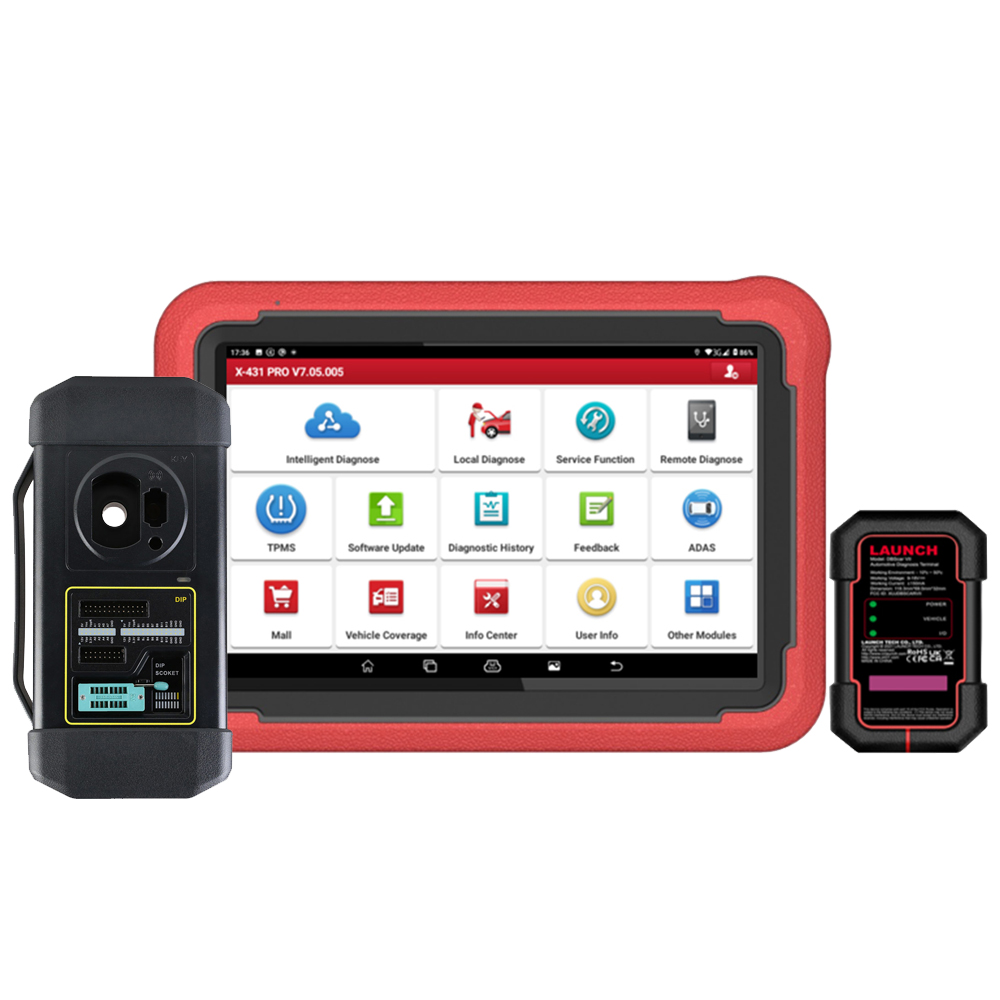
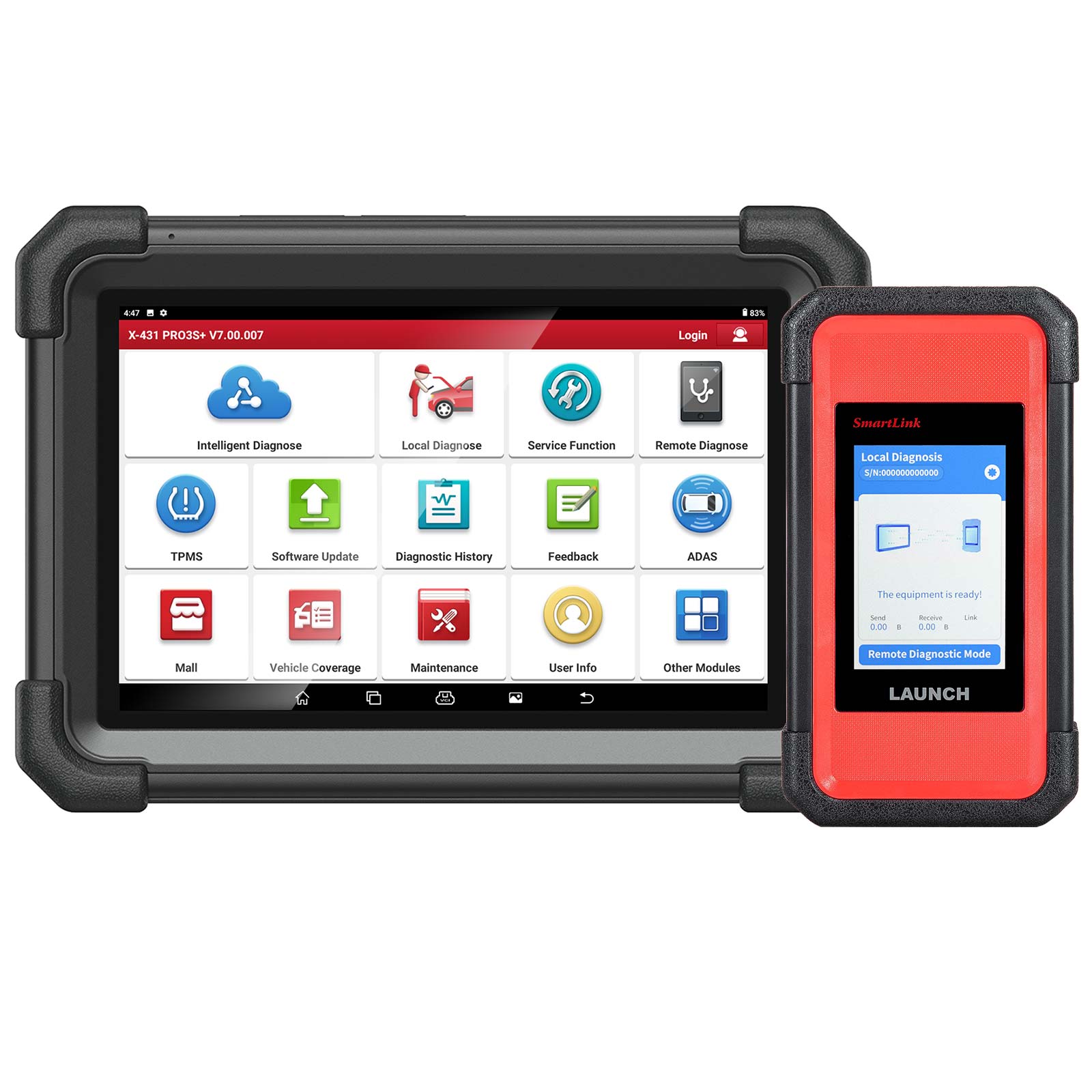
LAUNCH X431 PRO3S+ PRO3 S+ with Launch X-431 SmartLink C 2.0 Heavy-duty Truck Module for Both 12V & 24V Cars and Trucks
Price range: $ 1,470.00 through $ 1,570.00 Select options This product has multiple variants. The options may be chosen on the product page
Reviews
There are no reviews yet.